
Jun 6
Re-process with different settings
If I recorded, I can "reprocess" but I would like to change settings. Typical use cases are:
- I recorded in the wrong category (meetings instead of notes)
- the app crashed, I want to re-run with a different settings/models
- not happy with the results, I want to re-prompt / change the models
Pending
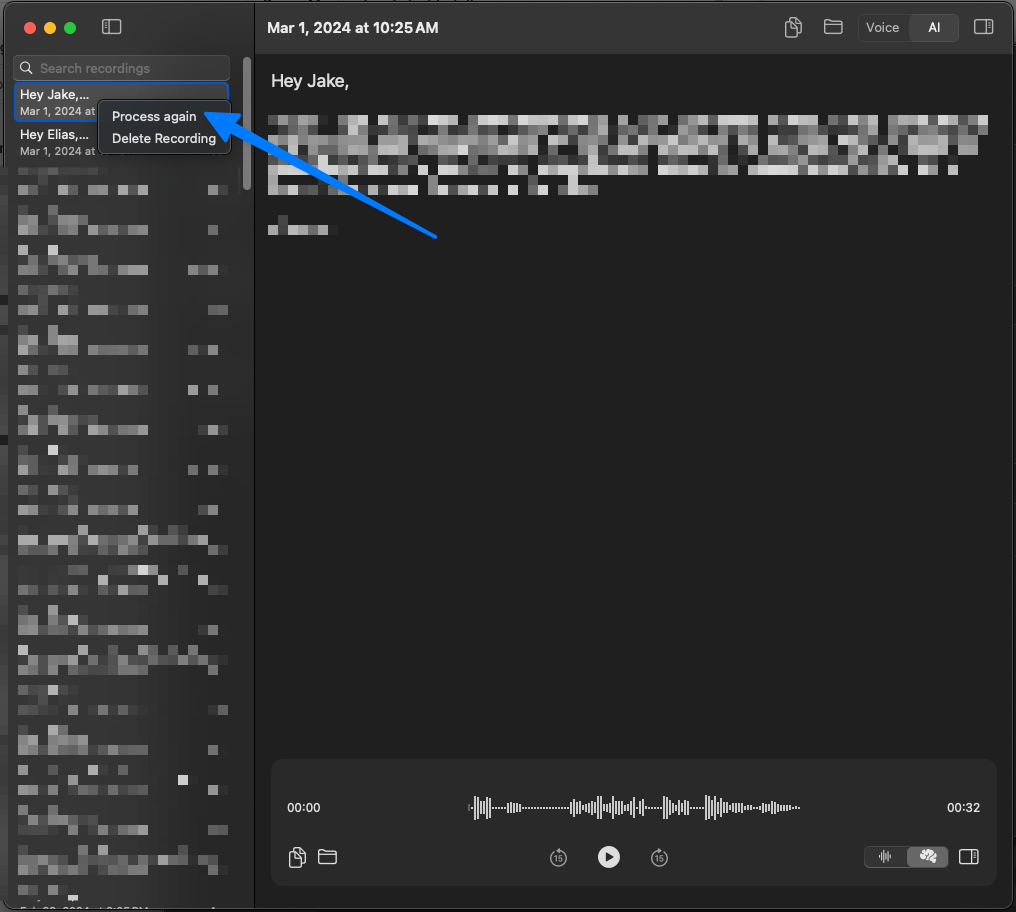
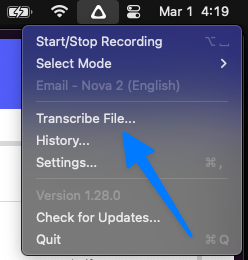
You can do this today although as AS mentioned it is clunky: go to history → right-click the recording → "Process again" → use your "Change mode" keyboard shortcut (for me it's ⌥⇧K) → select the new mode.